
Mason County VINELink Coverage
Michigan's notification program goes by MI-VINE. You reach it online through VINELink or by phone at 800-770-7657. The state describes the service as free and confidential. It runs around the clock. Alerts arrive by phone, email, text, the web, VINEmobile, or TTY.
Mason County deserves careful wording here. County IT procurement records list an Appriss AWACS Router for VINE services. That shows local VINE-related infrastructure exists. Even so, the Sheriff's public pages never promise that every Mason County Jail booking shows up. They do not define the county feed's scope, list required search fields, or state an update interval. The honest test is simple. Pick Michigan in VINELink, look for Mason County, and search the record you need.
The Michigan MI-VINE page names the state program and explains its notification purpose.
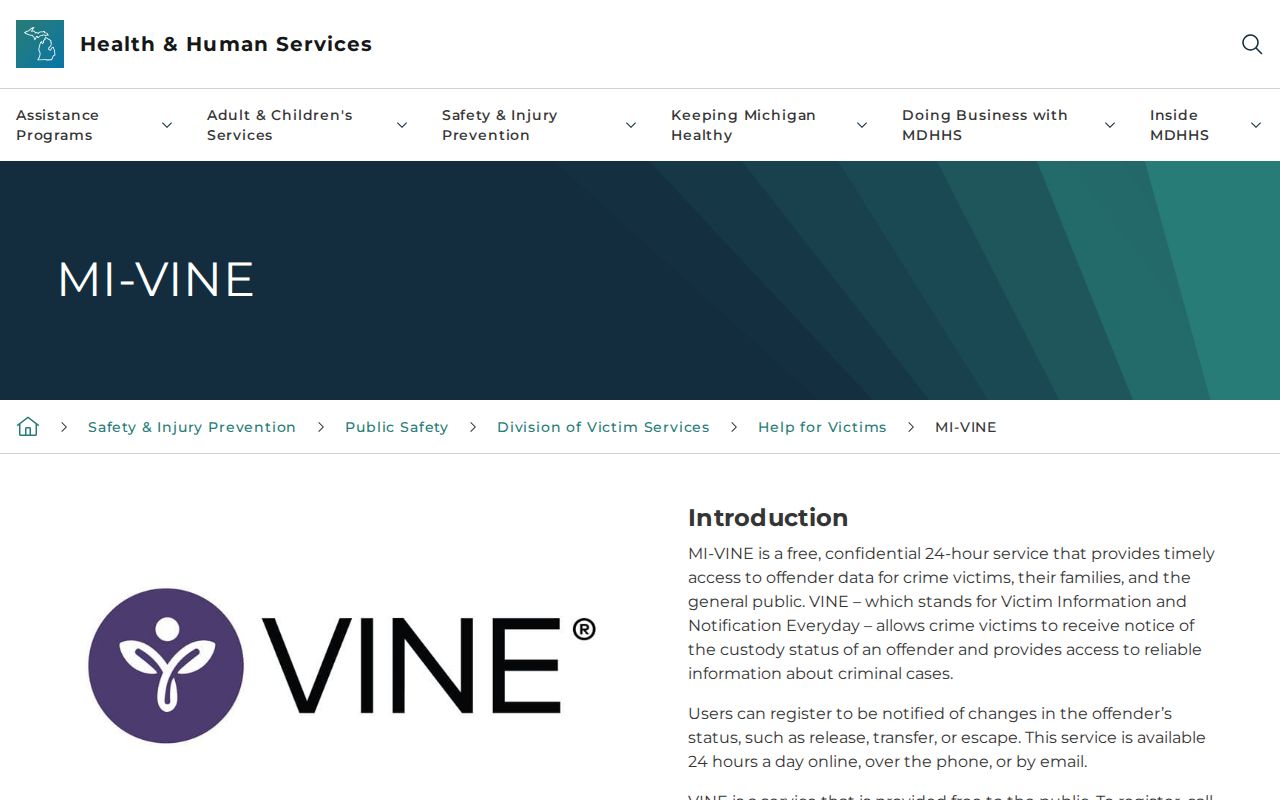
That state page sets up the service and its contact route. A live VINELink search is what tells you whether a particular Mason County record is there.
Search Mason County VINELink Records
Exact details matter most. A common name can pull up several people, and one misspelled letter can hide the match you want. Never pick a record on the name alone. Compare the age, ID number, agency, facility, or custody details shown before you trust it.
- Open the official VINELink search.
- Select Michigan, then choose Mason County or the available Michigan custody system when the interface offers that scope.
- Enter the full name or identification number. Begin with exact spelling, then try a reasonable name variant if needed.
- Review multiple matches carefully and open only the record whose identifying details align.
- Read the displayed custody status and facility information, then use the notification option if alerts are needed.
- Call MI-VINE at 800-770-7657 if the county option or a result remains unclear.
A no-result means little by itself. It can stem from data lag, a record outside the covered scope, a release or transfer, sealed information, expungement, agency limits, or a name mismatch. It does not mean no Mason County arrest happened.
The VINELink interface is the official live place to start your state and county selection.
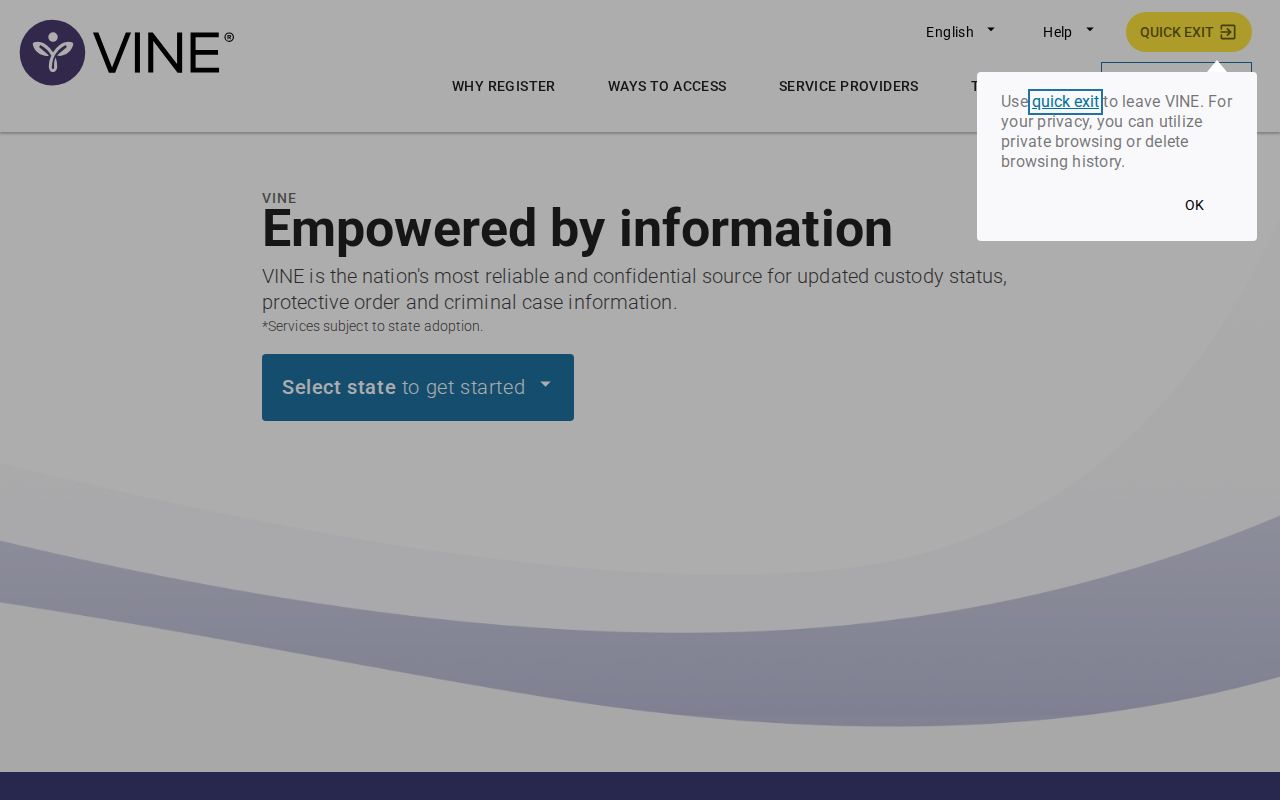
The plain search screen keeps the focus on one person's custody record rather than a gallery of results.
Mason VINELink Result Fields
Fields change with the record and the current interface. No Mason-specific field list has been published by the Sheriff. So the table covers what a VINE result commonly shows. It also notes the care each field calls for. Treat it as a guide. It is not a promise that every Mason County record displays every field.
| Possible result field | Meaning and limit |
|---|---|
| Name or offender identifier | Helps distinguish matches; confirm more than a name when possible. |
| Custody status | Indicates a reported status within the participating system at its last update. |
| Facility or agency | Shows the reported holder or source, which may change after transfer. |
| Release information | May reflect a release event but does not supply a full court disposition. |
| Notification options | Lets a user request eligible status or case alerts. |
| Court-event information | May include hearings or status changes where that record participates. |
A VINELink custody entry is not a final word on anything. It only shows where a person stands right now in the jail system. What happens next in Mason County belongs to the courts, where charges from an arrest can shift in many directions as a case moves along.
Register for Mason Custody Alerts
Registration starts from a matching record or the service's alert path. Michigan materials mention notices for release, transfer, escape, and certain court events. Pick only the channels you can actually monitor. An alert helps with safety and case awareness. But confirm any urgent change with the agency in charge.
- Open the correct person’s record and choose the registration or notification option.
- Select the available event types, such as release, transfer, escape, or a supported court change.
- Enter a phone number, email address, or text destination supported by the interface.
- For phone registration, choose the requested four-digit PIN and keep it private for notification confirmation.
- Complete any verification step shown by VINELink and save the registration details.
- Update or cancel the registration through the service when the contact channel changes.
Phone, email, and text alerts behave differently. A phone alert may ask for a PIN. Email and text depend on the account entered and the network. One missed call does not mean custody stayed the same, so recheck VINELink and call the MI-VINE line when a message seems incomplete.
Confirm Mason County Custody
Fresh bookings do not always show up right away. VINE lists no refresh interval for Mason County, and the Sheriff posts no same-day feed to check against. Need an answer fast? Call the Mason County Sheriff's Office at 231-843-3475. The administrative office sits at 302 N. Delia St., Ludington, MI 49431, while jail mail goes to 306 North Delia Street per the jail-information page.
A phone call and a records request serve two different jobs. When you call, ask if the person is in custody, out, or moved to another jail. For the full booking file, use the Sheriff FOIA page to request exact arrest dates, the arresting agency, bond details, or a releasable photo. A missing public roster does not mean the record itself is gone.
For the county's fallback path to current access, see Arrests Last 24 Hours. That resource claims no live feed; it just splits current custody questions from booking-record requests.
Mason County VINE Infrastructure
Mason County procurement material names an Appriss AWACS Router for VINE services. That clue carries weight because Appriss runs the VINE system itself. It points to county infrastructure wired into VINE at some point.
The procurement record alone promises little about today. It says nothing about current participating agencies, required inputs, covered record types, or update timing. So combine the infrastructure evidence with a live test. Choose Michigan, find Mason County, and search the person. Call MI-VINE if the result stays unclear.
Note: Historical infrastructure evidence supports a careful live check, not a claim of complete, real-time Mason County Jail coverage.
VINELink Custody System Boundaries
MI-VINE covers Michigan jails, not federal custody. Someone transferred to a federal prison turns up in the Bureau of Prisons locator instead. Immigration cases run through the ICE Online Detainee Locator plus a separate DHS VINE service. None of those tools can tell a searcher whether Mason County Jail still holds the person. The county jail takes part in no federal detention arrangement. A federal result and a Mason County booking are two different things.
State prison is its own world as well. The Michigan Department of Corrections OTIS lookup tracks state correctional status and supervision rather than the county's arrest roster. A detainee released from the Mason County Jail may drop out of VINELink entirely. The sheriff's booking file and the court case can live on under their own rules. That can persist long after the custody flag clears.
- County booking
- Start with Mason County Sheriff and a participating Michigan VINELink record.
- State custody
- Use MDOC OTIS and state victim-services channels.
- Federal prison
- Use the Bureau of Prisons locator.
- Immigration custody
- Use ICE and DHS VINE tools.
Pick the database that matches the custody type, or a search can mislead. A hit in one system proves nothing about status in another.
Public Record Search
Sponsored Results